blendMean
Smooth
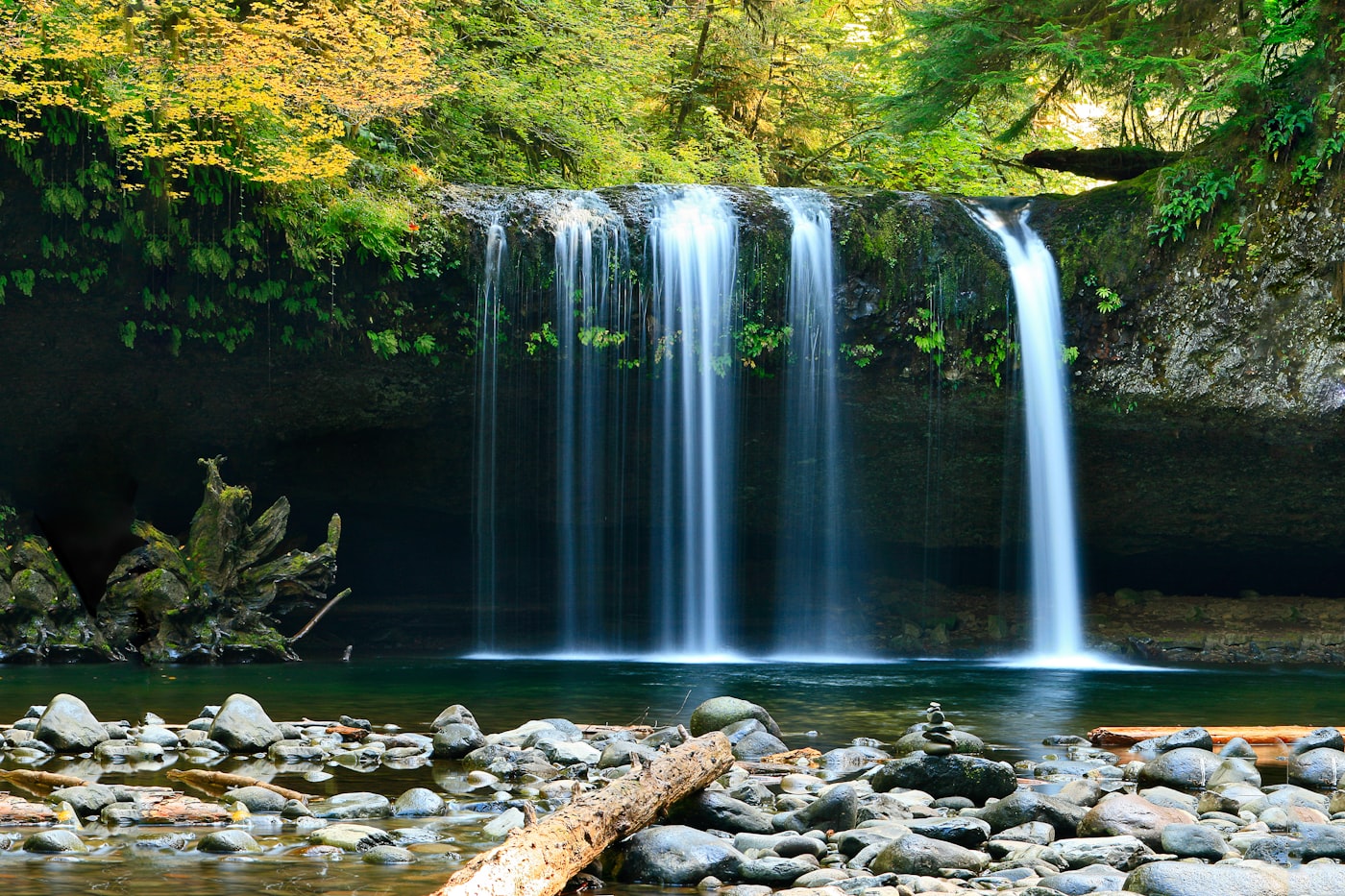
Silky water, blurred clouds, waterfall photography
Lento is a long exposure camera app. Silky water, light trails, ghost removal, all in real time. No tripod. No ND filter.

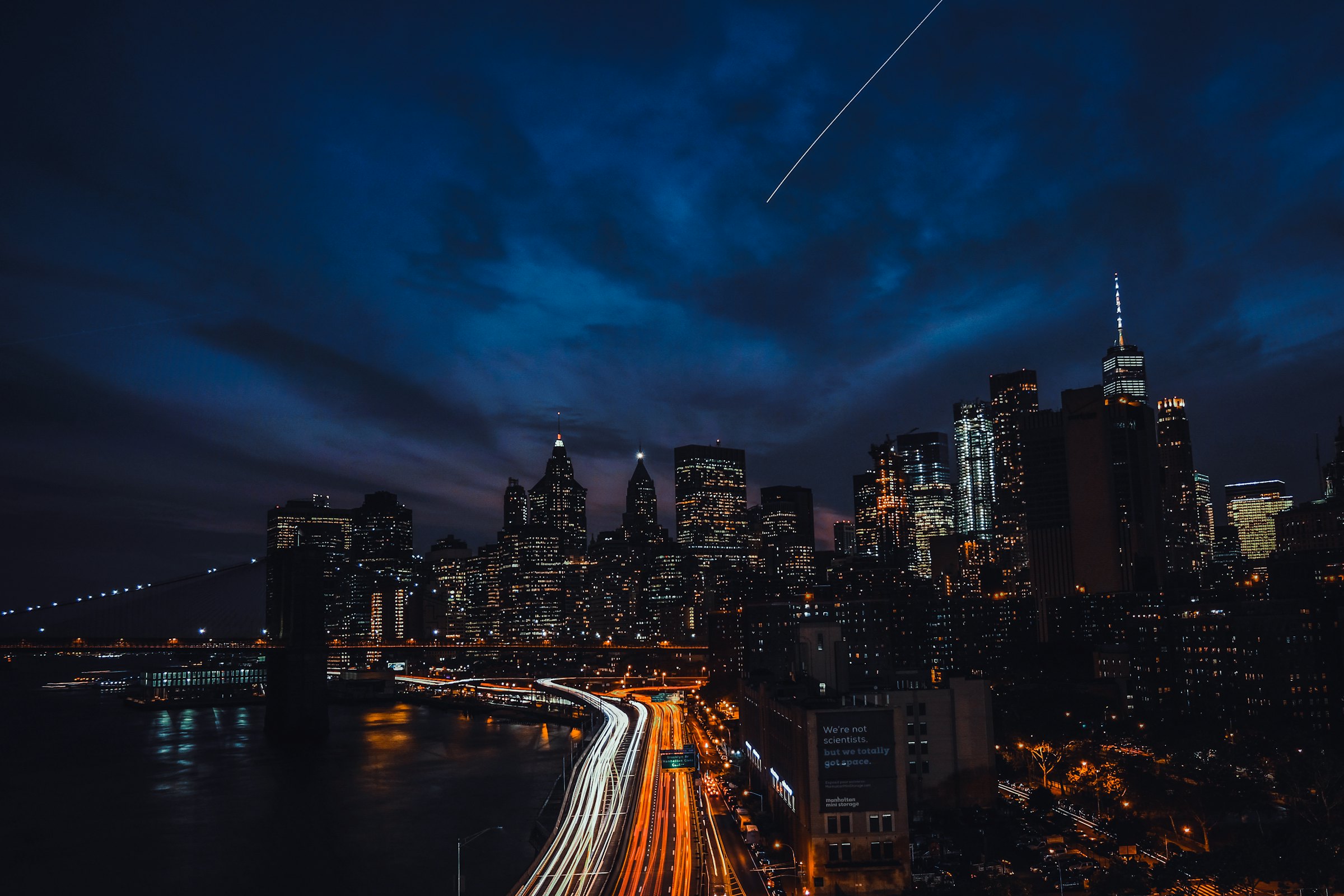
Every mode is a different Metal blend shader running live on the GPU. Pick one, watch the exposure build in real time.
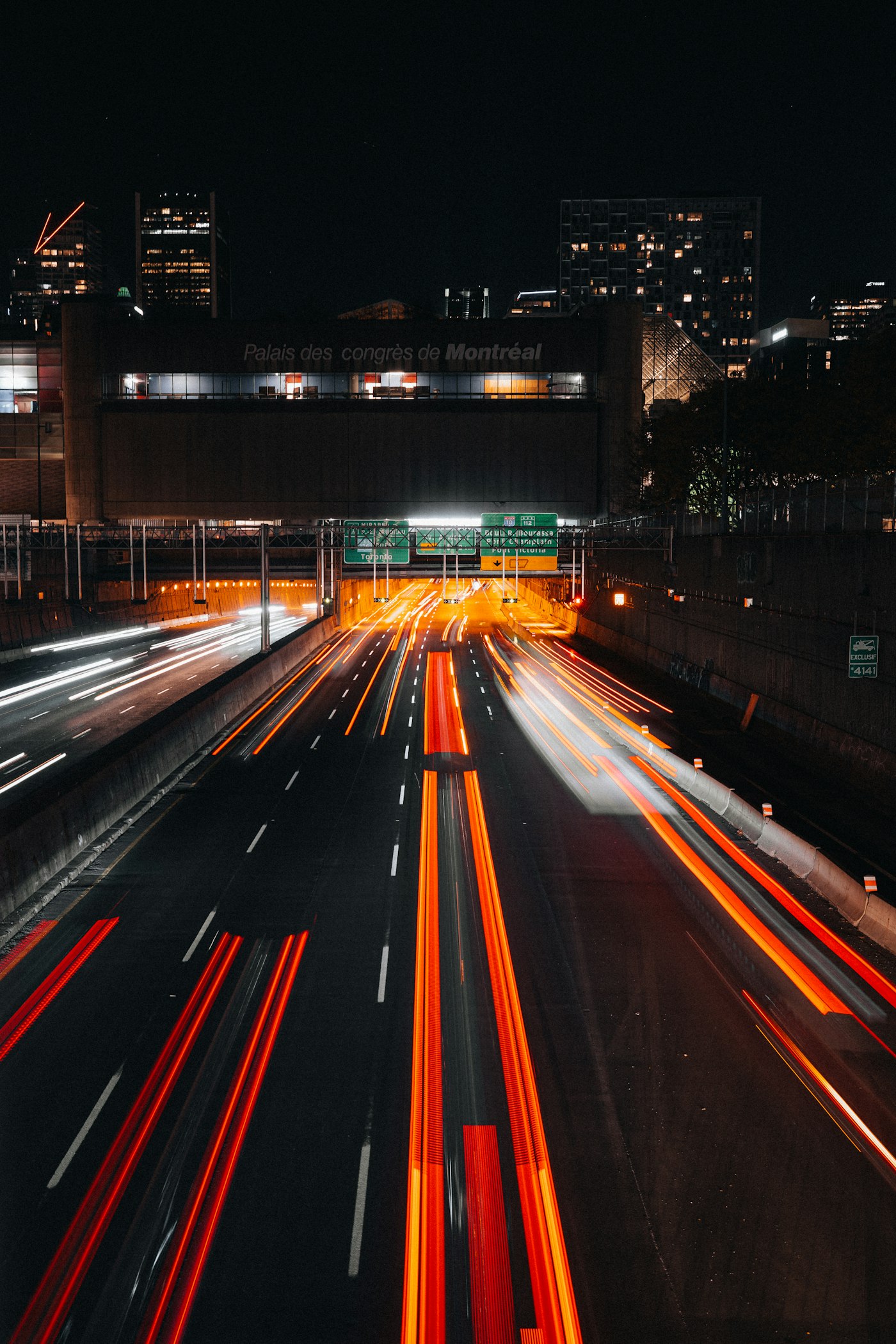
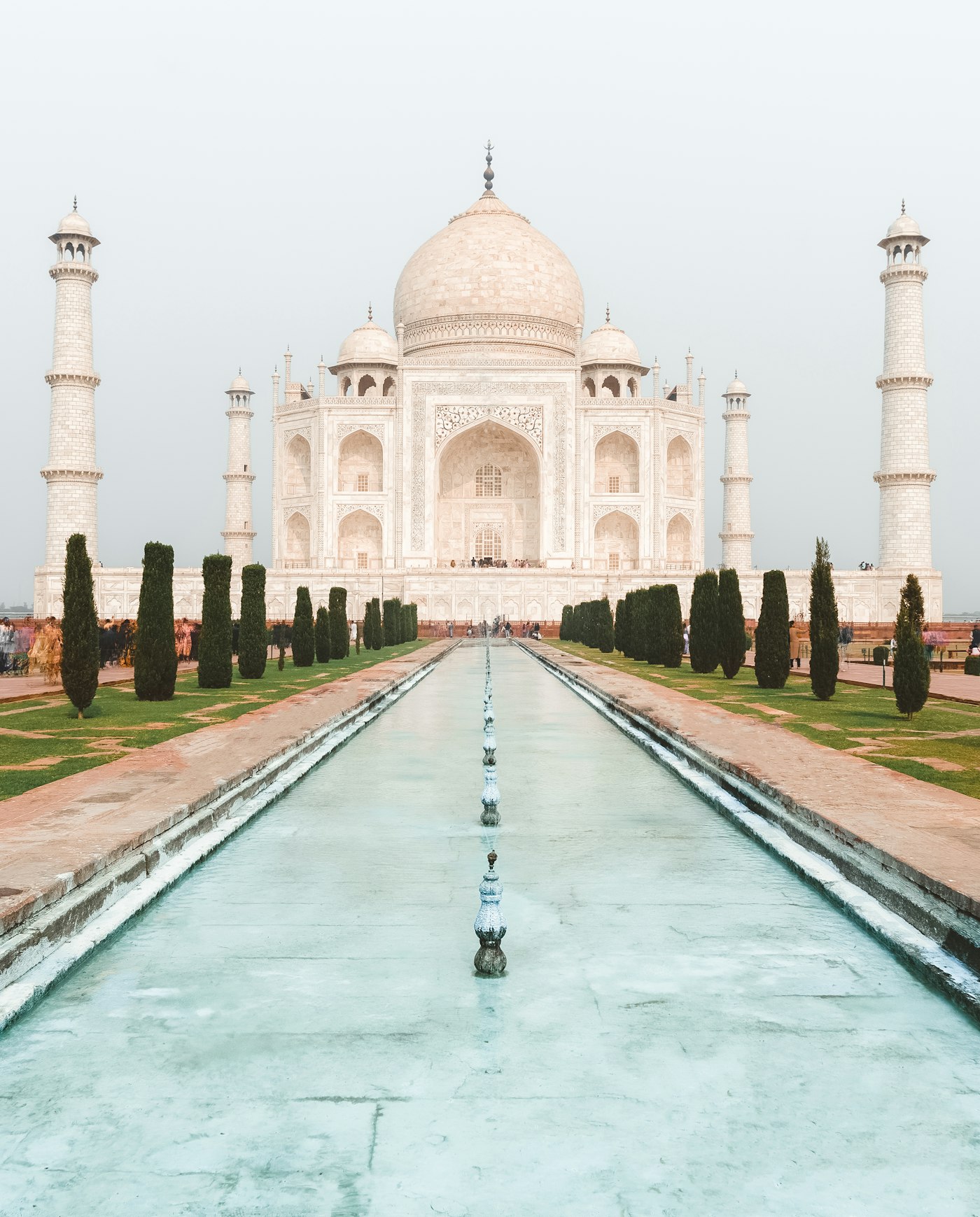
Watch the long exposure build up on screen while you shoot. What you see is exactly what you export.
Every frame is blended in real time by Metal compute shaders. Full 30fps capture with zero dropped frames.
Open the shutter and close it whenever you want. Minutes or hours, the exposure keeps building.
Each frame is exposed normally, so camera shake never ruins the shot. Tripods are optional, not required.
Lento exports 16-bit DNG, even from exposures that run for minutes. Push shadows, recover highlights, grade it like a file from a real camera.
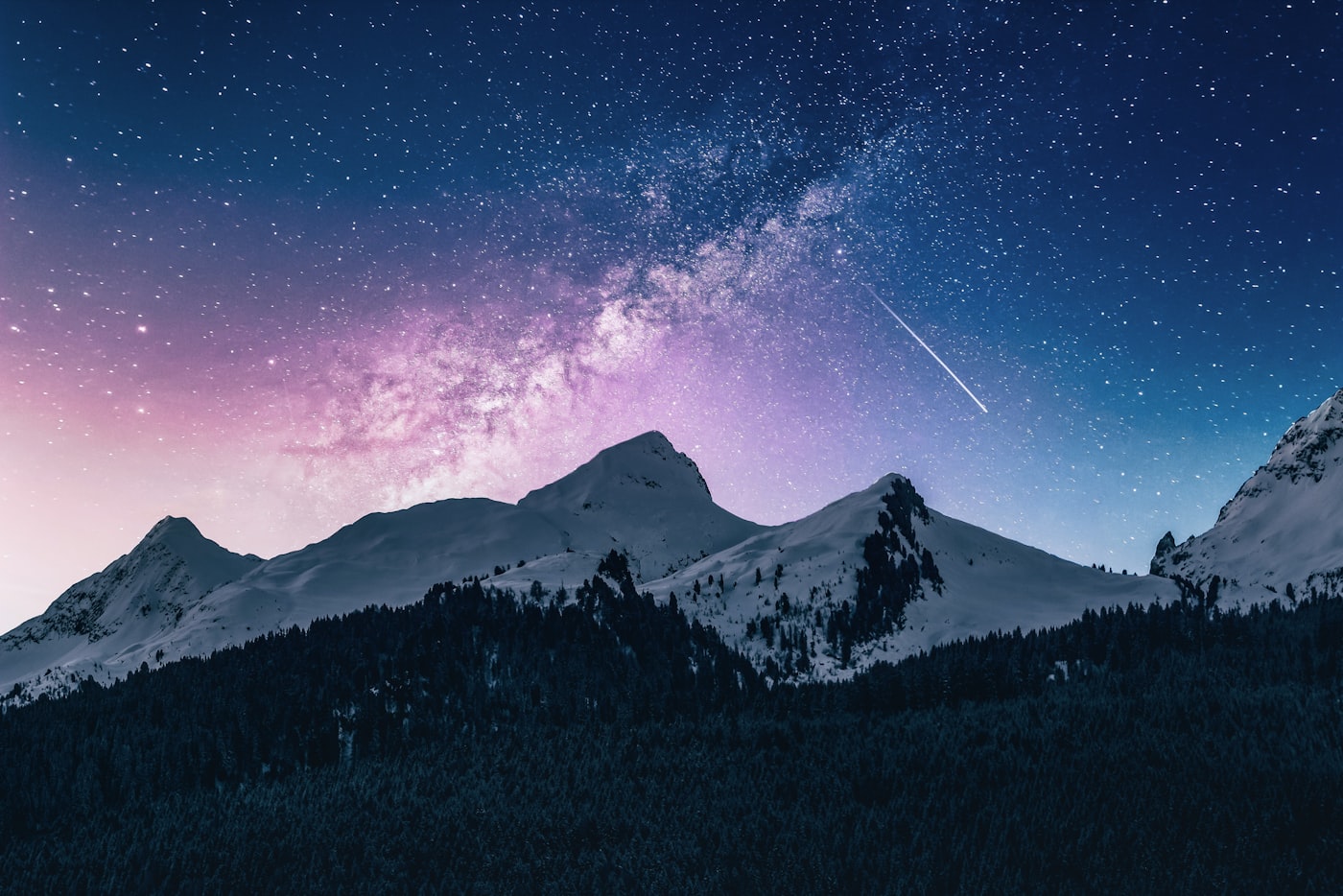
Lento captures frames continuously at 30fps using your iPhone camera, just like shooting video.
Each frame is blended in real-time on the GPU using Metal compute shaders. Choose from mean, lighten, or median blending.
Get your long exposure photo in RAW DNG, HEIF, or JPEG. Full 8MP resolution with P3 wide color.
Unlike traditional long exposure photography that requires ND filters and a tripod, Lento uses computational photography to stack frames digitally. Shoot silky waterfalls, capture light trails at night, or remove crowds from landmarks. All handheld, with just your iPhone.
Your photos never leave your iPhone.
Every frame is captured, stacked, and exported on-device. No cloud processing, no photo uploads, no analytics on your images. The camera roll is the only place your shots ever live.
7-day free trial
or $29.99 lifetime
Cancel anytime. Or pay once, keep forever.
Available now on the App Store
iPhone XR or later / iOS 18 required
No. Lento uses computational frame stacking, not a physical slow shutter. Each individual frame is captured at a normal shutter speed, so camera shake doesn't affect the result. You can shoot handheld, though a tripod gives sharper results for very long exposures.
The iPhone's Live Photo long exposure effect only works with 3 seconds of footage captured after the fact. Lento captures in real-time with a live preview, supports unlimited duration, gives you full manual control over ISO and focus, and exports in RAW DNG format.
Yes. Lento Pro exports 16-bit DNG files at full 8MP resolution in the P3 wide color space with complete EXIF data. It is one of the very few long exposure apps on iPhone with RAW export, and the only one that combines it with unlimited exposure time.
Free users can capture up to 5 seconds. Pro unlocks unlimited duration, so you can shoot for minutes or even hours. There's also a Bulb mode where you control the shutter manually.
Lento requires iPhone XR or later (A12 chip with Metal 2 GPU). It runs on iOS 18 and later.
Lento Pro is $9.99 per year with a 7-day free trial, or $29.99 as a one-time lifetime purchase. Both options unlock all capture modes, RAW DNG export, full manual controls, unlimited duration, and remove the watermark.
Catching a meteor is a numbers game. How to stack the odds with long exposure.
ReadHow frame stacking replaces a long shutter, and what each blending mode does.
ReadRemove tourists and crowds using long exposure frame stacking. No editing needed.
Read